Little guides for a calmer Mac.
How-tos, honest comparisons, and simple planning methods for getting your to-dos, notes, and the rest of your day in order on a Mac.
 HOW-TO
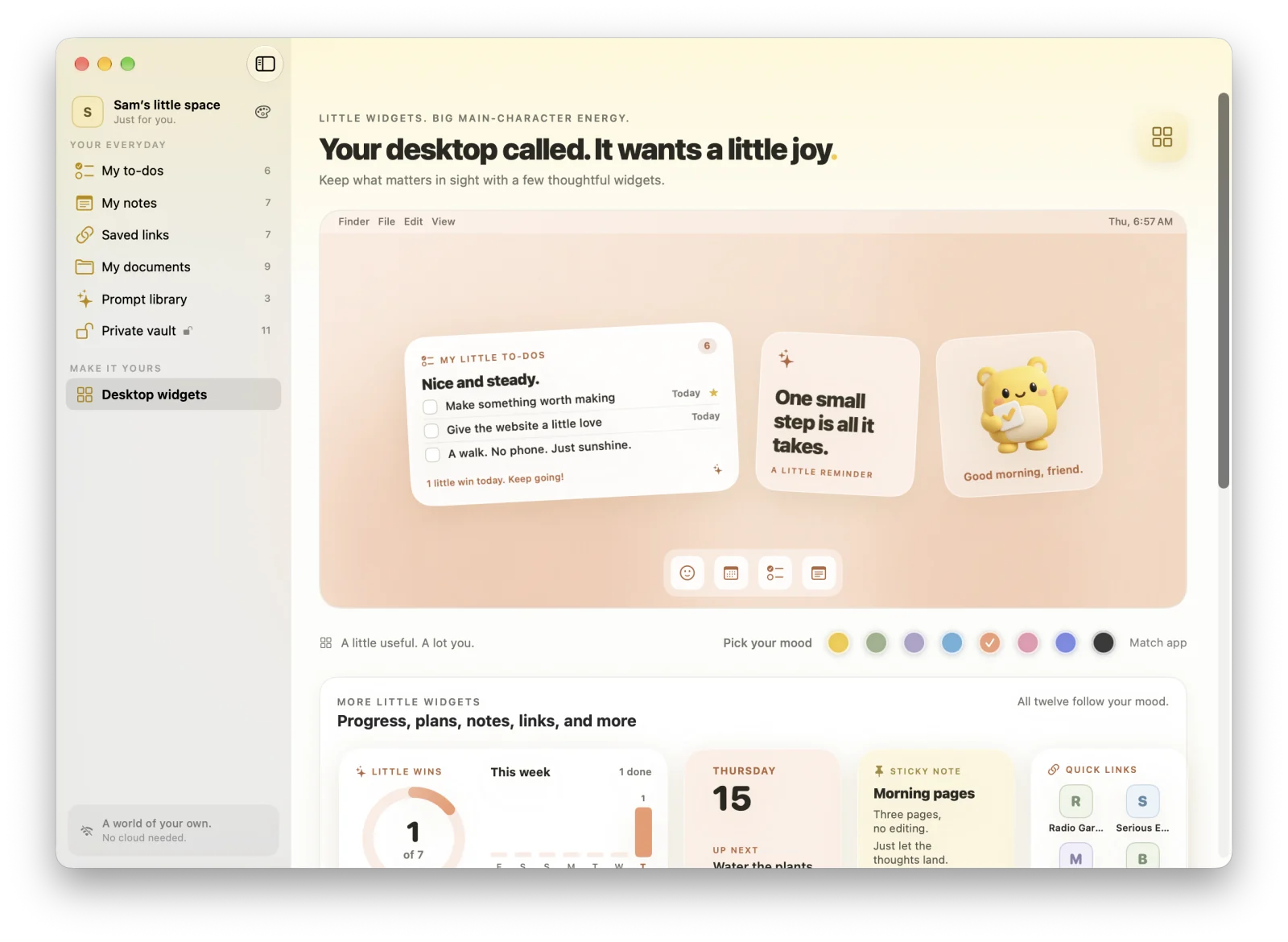
How to put a to-do list on your Mac desktop (4 easy ways)
The Reminders widget, Stickies, the menu bar, or an app with check-off widgets: four ways to keep your list in sight on macOS, step by step.
· 8 min read HOW-TO
How to add widgets to your MacBook Neo (plus 5 layouts to copy)
Widget setup for the MacBook Neo, the settings that tint and dim them, and five desktop layouts that fit a 13-inch screen.
· 9 min read COMPARISON
Things 3 vs Apple Reminders: which should you use on your Mac?
Reminders is free, shareable, and already on your Apple devices. Things is a calm, paid planner for one. Here’s how to pick between them.
· 9 min read HOW-TO
How to put sticky notes on your Mac desktop (and keep them there)
Stickies is already on your Mac. Here’s how to put a note on your desktop, keep it on top, stop it vanishing, and when Notes or a widget works better.
· 8 min read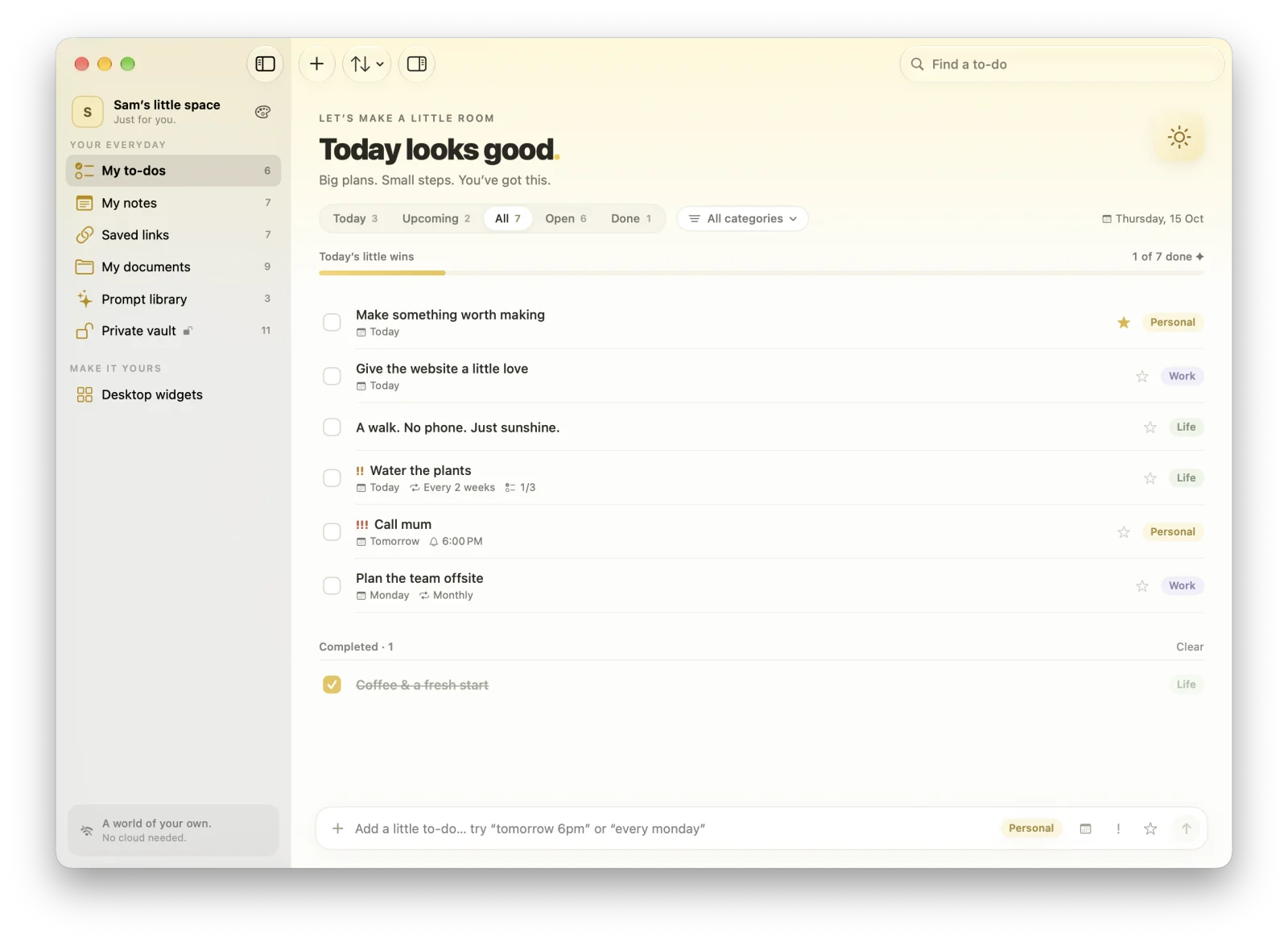 COMPARISON
7 Apple Reminders alternatives for Mac, free and paid
Things 3, OmniFocus, Todoist, TickTick, Microsoft To Do, Any.do, and MacTodo, compared on price, platforms, sync, and who each one suits.
· 10 min read COMPARISON
Menu bar to-do list for Mac: 7 apps and the built-in way
Apple Reminders has no menu bar icon. Here are seven menu bar to-do apps we checked, from free and open source to fully synced, plus built-in workarounds.
· 9 min read PRIVACY
Can you use Apple Reminders without iCloud on a Mac?
Reminders runs without iCloud, but Smart Lists, tags, subtasks, and sharing need it. Here’s what still works, what you give up, and how to switch off safely.
· 9 min read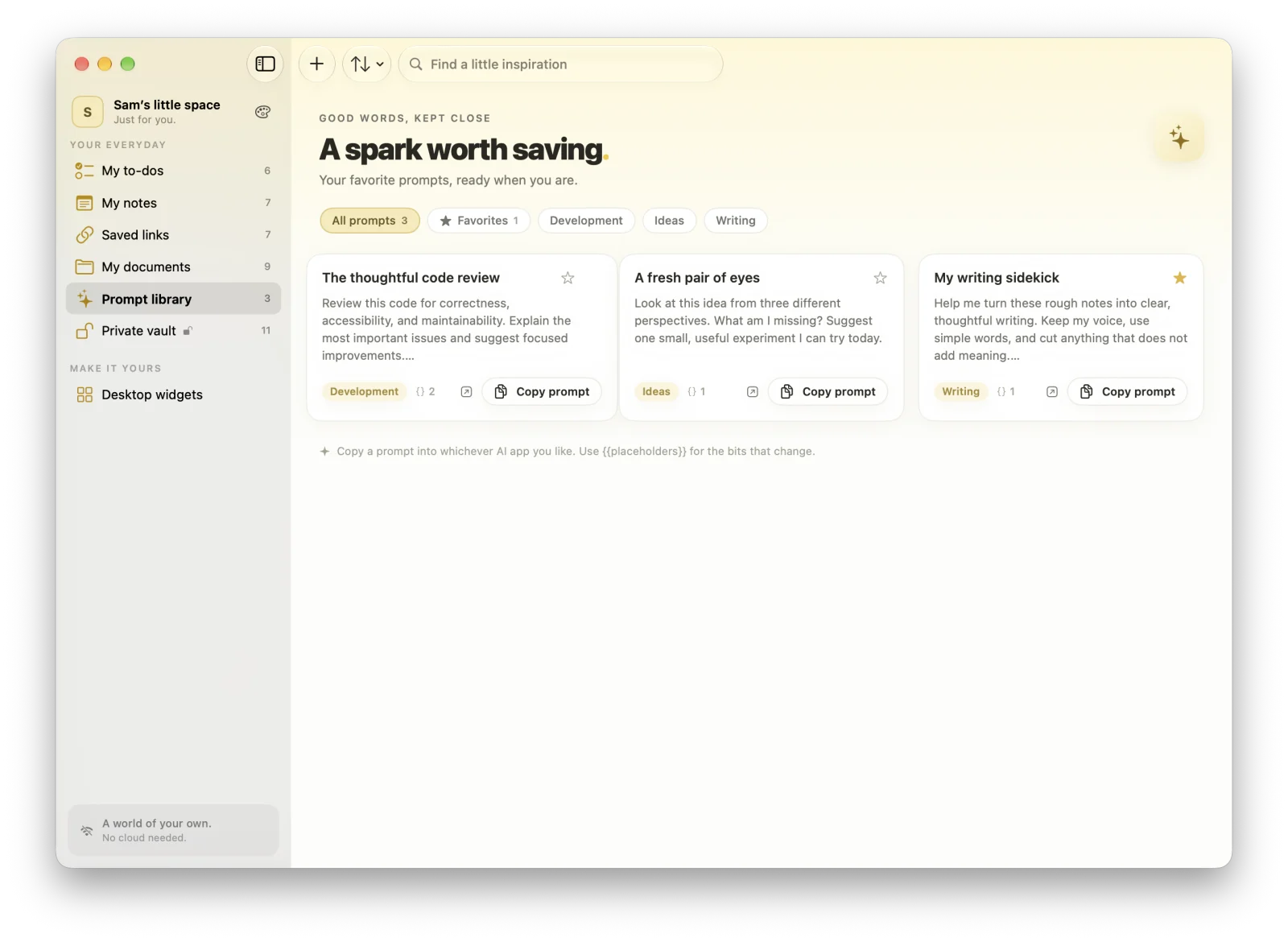 PRODUCTIVITY
How to organize AI prompts on your Mac: a simple system that sticks
Your best prompts are buried in old chats. Here’s a simple way to name, tag, template, and store them so each one is a quick copy away.
· 9 min read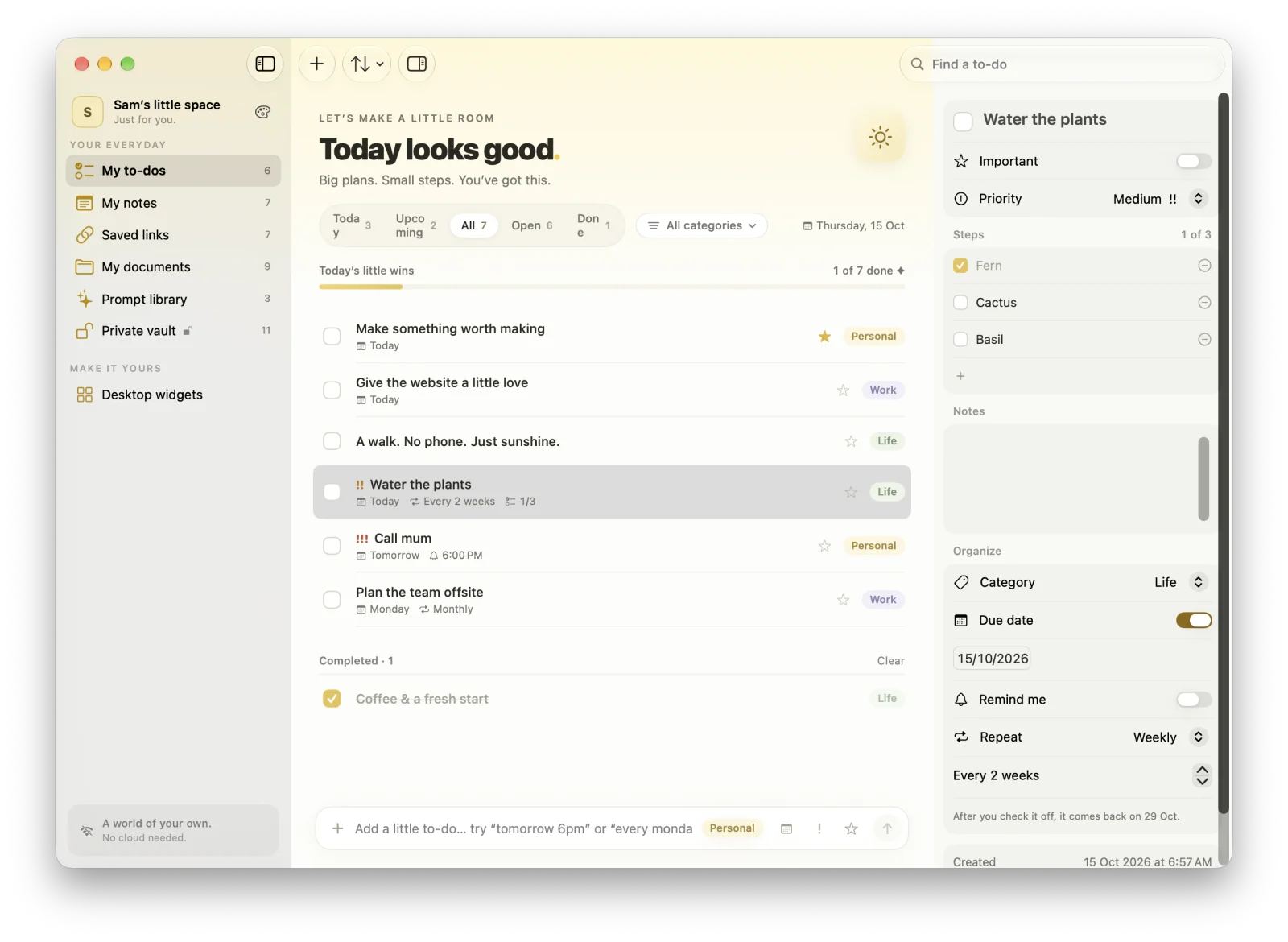 PRODUCTIVITY
How to use the Eisenhower Matrix on your Mac
Do, schedule, delegate, or drop: how the Eisenhower Matrix works, and two free ways to set it up on your Mac.
· 10 min read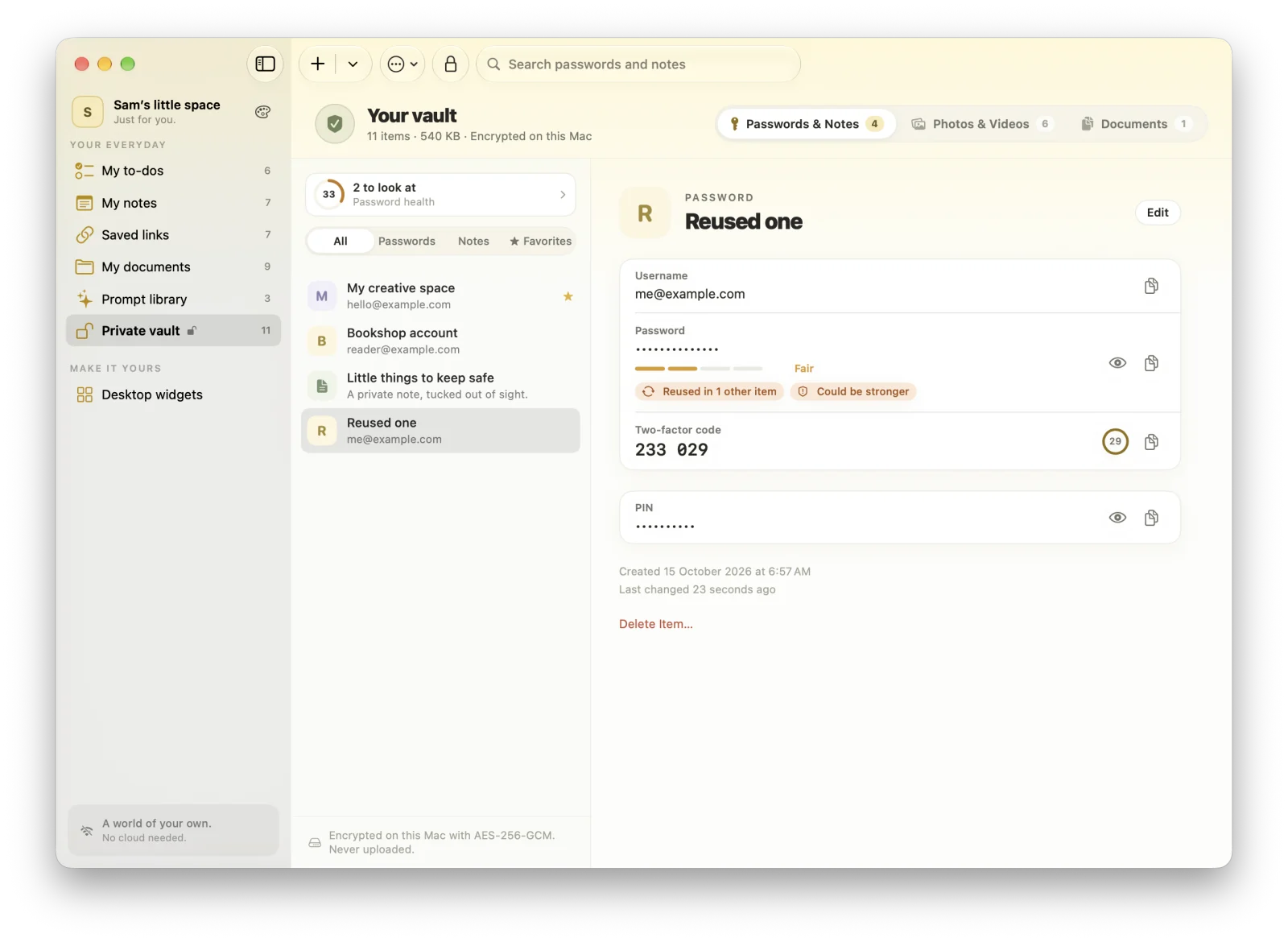 PRIVACY
Is Apple Passwords an authenticator app? How 2FA codes work on Mac
Yes, it can generate two-factor codes. Here’s how to set it up on a Mac, and the trade-offs to weigh before you move every code into it.
· 9 min read
A little more organized.
A whole lot more at home.
Make room for your ideas, your plans, and your next little win.
Download for MacVersion 1.1.5macOS 14 Sonoma or laterApple silicon & IntelHow to install